Medal & Awards Ceremony
Give amateur and regional athletes an Olympic level podium experience
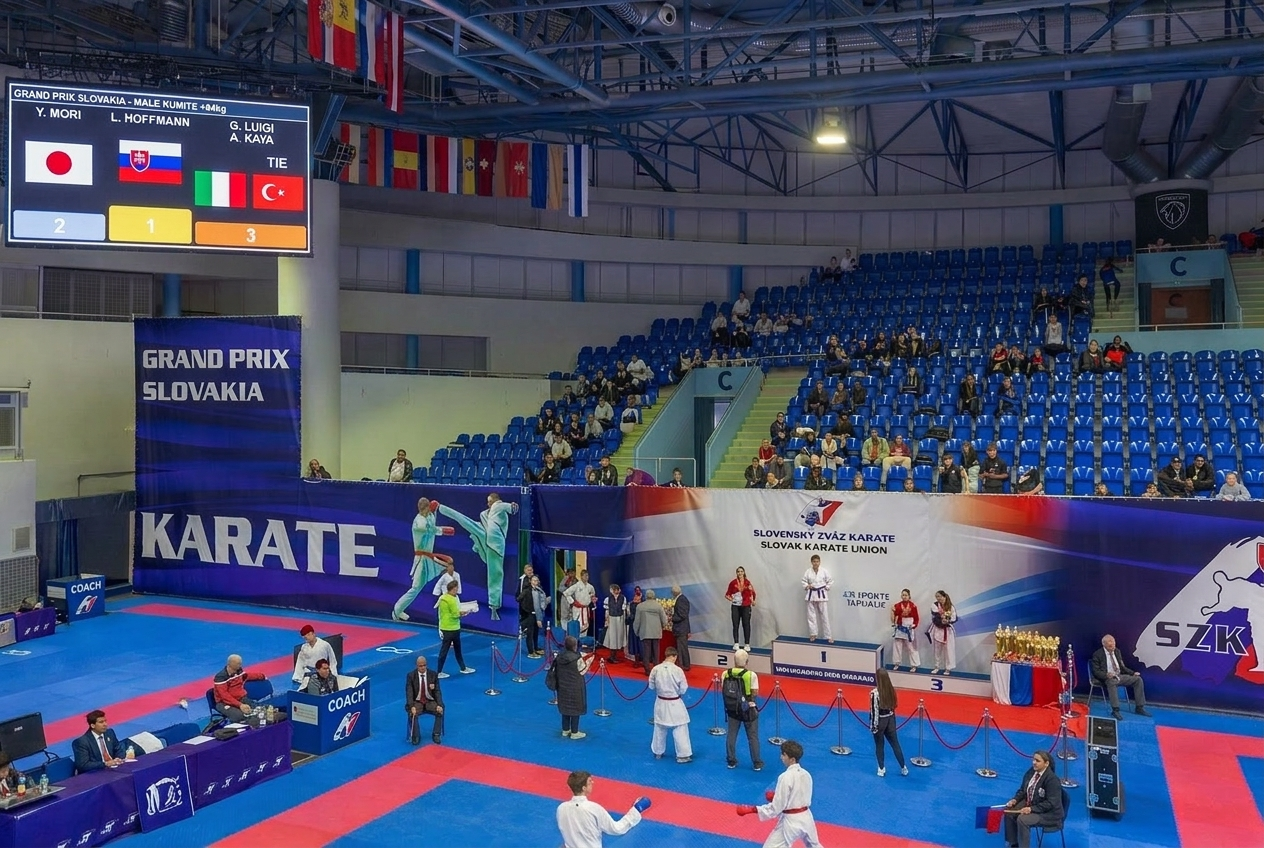
The Problem
Award ceremonies are a highlight of any competition - but coordinating them is chaotic. Staff flip through printouts to find results. The announcer and the display operator are out of sync. Screens show the wrong category. Switching between winners feels clunky and unprofessional.
The Solution
Sportviz Awards Ceremony gives you a digital victory podium that pulls results directly from your competition management system, paired with a staff control panel that keeps everyone synchronized in real time. One tap activates a category on every screen in the venue.
Key Capabilities
Digital Victory Podium
Professional podium visualization with gold, silver, and bronze pillars. Supports two bronze places (3rd and 3rd) - standard in combat sports. Displays competitor name, club/team name, and country flag for each place.
Staff Control Panel
Dedicated control page accessible from any device - phone, tablet, or laptop. Three-state category workflow - Staged, Pending, and Archived. One tap to activate a category on the podium display. Completion indicators show which categories have full results.
Real-Time Synchronization
1-second polling keeps all connected displays and control panels in sync. Change the active category on your phone - every screen in the venue updates within a second. No pairing, no Bluetooth, no cables between devices.
Visual Modifiers
Seven toggleable display options - shrink flag, shrink logo, dense text, hide clubs, hide flags, show team logos, logo background. All modifiers are applied instantly across every connected display.
Live Results Integration
Results update automatically as they are entered in the competition management system. 15-second polling ensures new winners appear without manual refresh. Incomplete categories are flagged with a warning.
Zero Installation
Open the display URL on any browser-capable device and go full-screen. Multiple display screens can show the same podium simultaneously - no per-screen licensing.
How It Works
Accessible from any device - just open the URL
The system loads categories and results automatically
Mark the categories you want to present, in the order you choose
On venue screens, open the display URL and go full-screen
Tap a category in the control panel - it appears instantly on all displays
Traditional Workflow vs. Awards Ceremony
One tap. Every screen. Professional ceremony.
Do you have questions or are you interested in Sportviz Toolkit?
See it in action and book a demo with us